
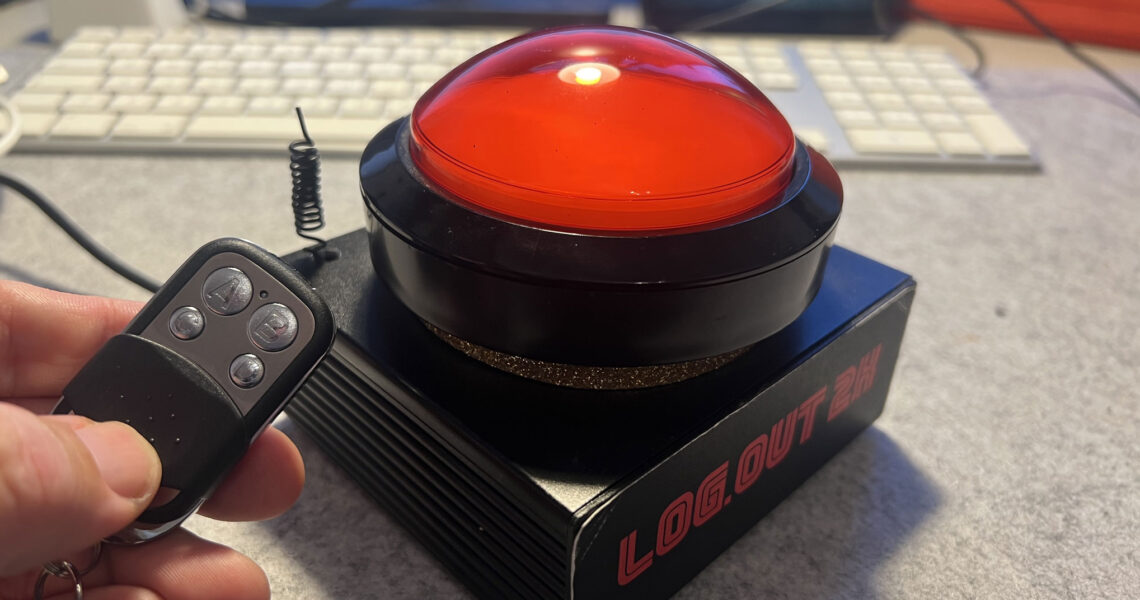
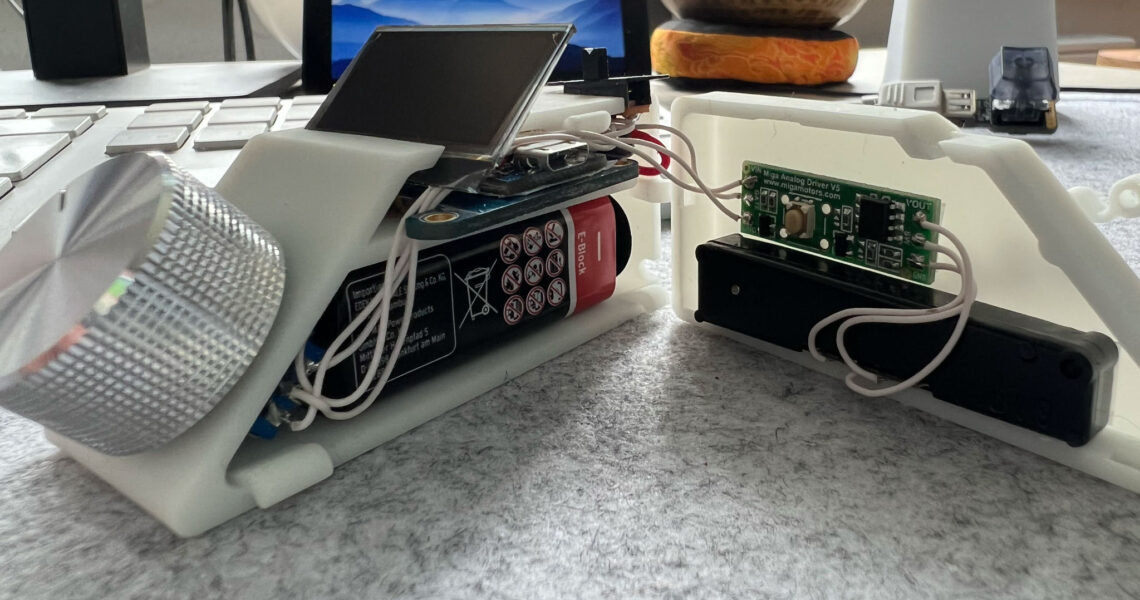
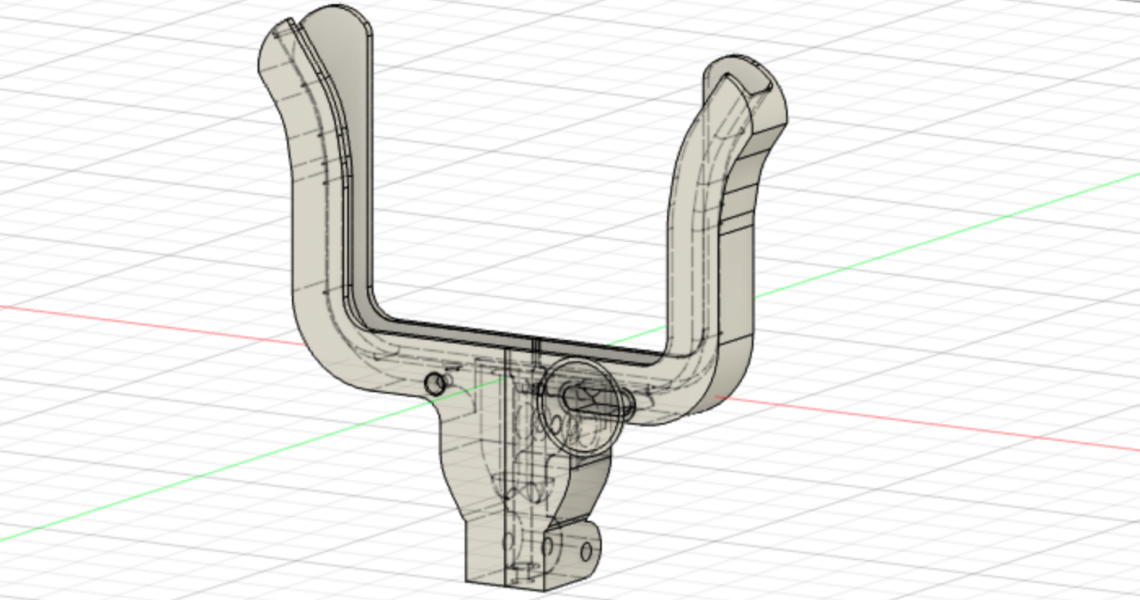


Here is a new Version of my rotating Knob. It now uses Bluetooth Low Energy aka BT 4.0 to communicate to the iOS device. I’m using the BLE Shield by RedBear Labs. I also coded a native App to have access to the iOS music library. So now it kan be used as a replacement for that cool, but expensive, infotainment systems integrated in cars. Mine doesn’t have one. On the other side Toyota’s infotainment systems aren’t cool. Hey guys take a look at Audi or BMW. And last but not least it has a new case with an aluminium knob. It looks very nice now. In addition it is enough space to put in a 9V battery to use it completely wireless.
You know, I’m addicted to rotating knobs. And this is my new version. This one works over Wifi. So it works for desktop and mobile, native and Adobe Air. It is build with an Arduino Leonardo, a RedFly Wifi Shield and a ProtoShield with 10 buttons, 1 rotary encoder and 3 LEDs.
On the software side I’m using the OSC protocol over UDP which is very fast and responsive.
The challenge: How to distribute additional content-packages for an Adobe Air App for iOS and Desktop.
The Answer: Inspired by this article I started coding my own ActionsScript tar version to unpack gnu-tar files. This format has some benefits. First it is one file, easy downloadable and shareble. Because it’s uncompressed, it is faster than any compressed format like zip. This doesn’t really matter because all files in my packages are compressed files like jpeg. I unpacked a 350 MB file on an iPad 2 in 18 seconds. Additionally it is very fast to extract only one file or data out of it, maybe for some metainformation. Possibly there is some potential to optimize the speed. It’s a common used format, so packing tools are available on all plattforms (Windows, Mac OSX and Linux). Because of this there is no need to code a special packing tool.
I baked my very first AIR iOS Native Extension. It’s just an adapted version of this version from Adobe. Because in my opinion the data of radians per second aren’t really good to handle. So I looked into Apples API documentation and found out that there are Euler Angles in the CMMotionManager CMDeviceMotion classes. So I just changed a few lines in the Objective-C Code. I learned much from this tutorial Native Extionsion for Adobe AIR and iOS 101 by Liquid Photo
A new feature in Flash Player 11 and Adobe AIR 3 is the feature to use JPEG XR. A enhanced JPEG format.
But how to generate or convert JPEG XR files. I found no Photoshop Plugin. All open source tools aren’t able because of licensing problems. The only tool i found is XN View, which can convert PNG files including the alpha channel to JPEG XR.
But you have to use the “Batch Convert” tool. Only there is the option to convert to JPEG XR.
After converting you can load and use the JPEG XR files via Actionscript. e.g. with a Loader or via embedding. It behaves like a PNG file but with much smaller size while keeping very good quality.
But it was not so easy as it sounds because the order of the adt options are very important!
If the order isn’t correct you get the error “-storetype is required“.
And if you are behind a firewall or no internet connection, the timestamp server isn’t reachable. So use “-tsa none” if you get “Could not generate timestamp: Connection timed out: connect“.
Here is my ant task which do the job with the correct order. But the order of the options in a terminal command should be the same.
The challenge:
“We need a small iPad app. Just four buttons, every button opens a video. Today!”
I thought, “OK”. I had only a freshly installed Mac and an Apple developer account. Continue reading >>>
If you are developing with an other framework than Xcode, Flash or Appcelerator Titanium it is a long way to get the .ipa file installed on your iPhone. You have to update the .ipa in your iTunes or the iPhone Configuration Utility and than you have to Sync your iPhone again. That needs time an many clicks and drag & drop operations. So I found a new way. It makes use of the OTA (Over The Air) installation feature of IOS 4 and higher.
Step 1: Configuration
Install (If you did not have one installed already) a web server on your local machine. MAMP on Mac or XAMPP on Windows
Create a new directory for the OTA files somewhere
Create an alias in your http.conf to that folder Alias /yourapp "/Users/christoph/Documents/path/to/OTA"